Drivers Sony Vaio Vpceg Windows 7 32 Bits
You often say that, my computer failed to do an specific action or I didn’t broke my PC, my Windows is slow or is running extremely slow, my computer is virus infected, my computer has no sound or my webcam is not working any more and so on. Often, the solution of computer problems resumes to Windows reinstall. All of you should know that this operation is not very pleasant: you have to format your windows drive, reinstall drivers and all the applications and it can also be expensive if you pay some professional support.
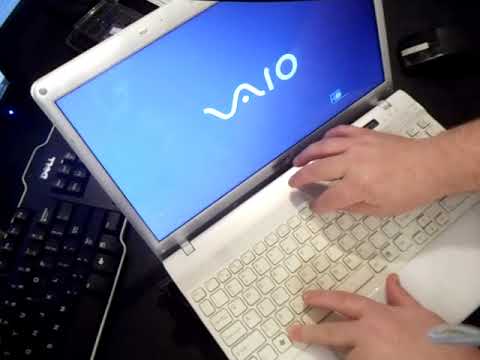
What if I tell you that for Vaio PC’s this operations is made with some few clicks? No disks, no flash usb memory, no other external devices just few clicks. Vaio PC’s has a tool called VAIO Recovery Center. This tool allows you to create backup points and restore your windows, to create hardware diagnostics, or you can have the possibility of reinstall programs or drivers, wipe and erase data, creating recovery disks or erase all data and restore your entire system to factory settings. In this tutorial, I’ll show you how to restore your Vaio PC to it’s factory settings. In other words how to restore your computer to it’s original settings (in the exact state you bought it). For that you have to: 1.
Sony Vaio VPCF22EGX Atheros Wireless LAN Driver 9.2.0.113 for Windows 7 64-bit: OS. Get Sony Vaio VPCYB33KX/P Atheros WLAN Driver 10.0.0.75. Original Drivers and Applications for VPCEG Series (Windows 7 64-Bit) Original Drivers and Applications for VPCEG Series. Yo tengo un Sony Vaio VGN-NW140TJ, con SO Windows 7 de 32 bits, intente instalar el driver pero no me funciono, el unico q desde siempre me ha funciando es la ranura que dice SD sin embargo la que PRO Magic Gate sigue sin funcionar, Te agradeceria demasiado me puedas ayudar, De antemano. We need a little more information. Which drivers are you trying to install?, What make/model is your motherboard. This is where you would find Sony vaio Drivers. Hytecgowthaman Jan 25, 2013, 11:27 AM. Or update windows.
Back-up all your data. Restoring to factory setting means to erase all data and reinstall Windows, drivers and preinstalled applications. If you have a single drive (C:) you have to backup your data to external drive or disks.
Start VAIO Recovery Center. Click on Start button and then click on All Programs. Me Without You 2001 Download Movies. From the program list select “ VAIO Recovery Center“.