Install Google Earth Proxy Server
Oct 28, 2011. However, I need need to pull a KML file from a server on an internal network that I cannot access through this proxy. This example is similar. When I then open the KML file that says 'pull from this server,' google-earth cannot find the server. If I start google-earth without setting http_proxy I can access the. Search the world's information, including webpages, images, videos and more. Google has many special features to help you find exactly what you're looking for.
Dec 23, 2015. If your computer requires a configuration script or proxy server to access the internet then the new Import from Google Earth utility settings will require some. B) Using My Computer browse to the Irricad Pro folder where IRRICAD Version 14+ has been installed, commonly located in C: Program Files. Aug 17, 2009. We have some new notebooks which I'm trying to install Google Earth on. All seems to go OK - file downloads and starts to run but. Rep Power: 704. We had a similar problem. I made it an exception in the proxy settings then configured the firewall to allow all traffic to google. We are using ISA Server 2006. Orihime Inoue Render.
Code:. Elves Of Alfheim Pdf Editor there. /googleearthWhen I launch google earth in another way by double clicking an icon, then it says it won't connect to the server. When launching google earth from the command line, it works, and connects through the proxy. Thanks for your help!Please try edditing the environment variable. #gedit /etc/environment then add your proxy server like this http_proxy='ftp_proxy='ftp://proxy.xxx.net:8080/' https_proxy='all_proxy='socks://proxy.xxx.net:8080/' save and restart your machine.
Summary Downloading Google Earth requires an extra step with a server. After installation Google Earth opens several concurrent 'browser' sessions to multiple servers. Dvb T Tuner Software Mac more.
If you use NTLM as an authentication method with the latest version of Google Earth, it will work fine. However, if you are using or SSB/ISB authentication, you'll get several pop-ups asking for login information.
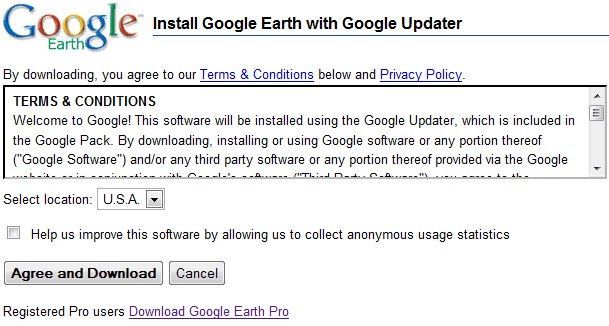
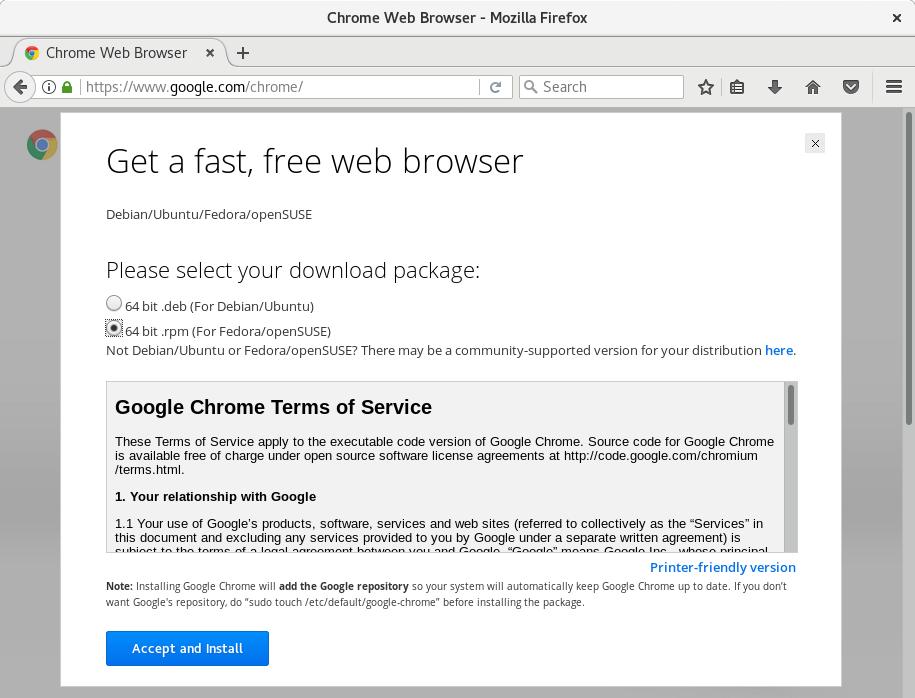
To make Google Earth work without having to enter your username and password several times before you can use it, you need to create several Authentication Exceptions. Applies To SecureSchool, ISBossBox, LibraryDoor, Google Earth More Information An extra step is needed to download Google Earth. On the download page l Uncheck the option to install Chrome if it is there.
Click the plus sign to the right 'Advanced setup' Uncheck the option 'Allow Google Earth to automatically install recommended updates'. Click 'Agree and Download' to finish downloading.
After installing Google Earth make the changes below. To create an, go to 'Website Filtering' ->'Authentication Exceptions' ->'Add A Site'. Add entries for the following sites: • kh.google.com • keyhole.com • tools.google.com • mw1.google.com • mw2.google.com • mt0.google.com • csi.gstatic.com/csi Once you add those sites, go to 'Commit Changes' and the restart. Google Earth should now work fine.